

<details class="hts-mobile-toc">
    <summary>On this page</summary>
    <ul>
      <li><a href="#geo-location">Geo Location Service</a></li>
      <li><a href="#name-search">Name Search</a></li>
      <li><a href="#industry-supplier">Industry Supplier Directory</a></li>
      <li><a href="#search-results">Search Results</a></li>
      <li><a href="#filtering">Filtering</a></li>
      <li><a href="#navigation">Navigation</a></li>
    </ul>
  </details>
Geo Location Service
Search by location…
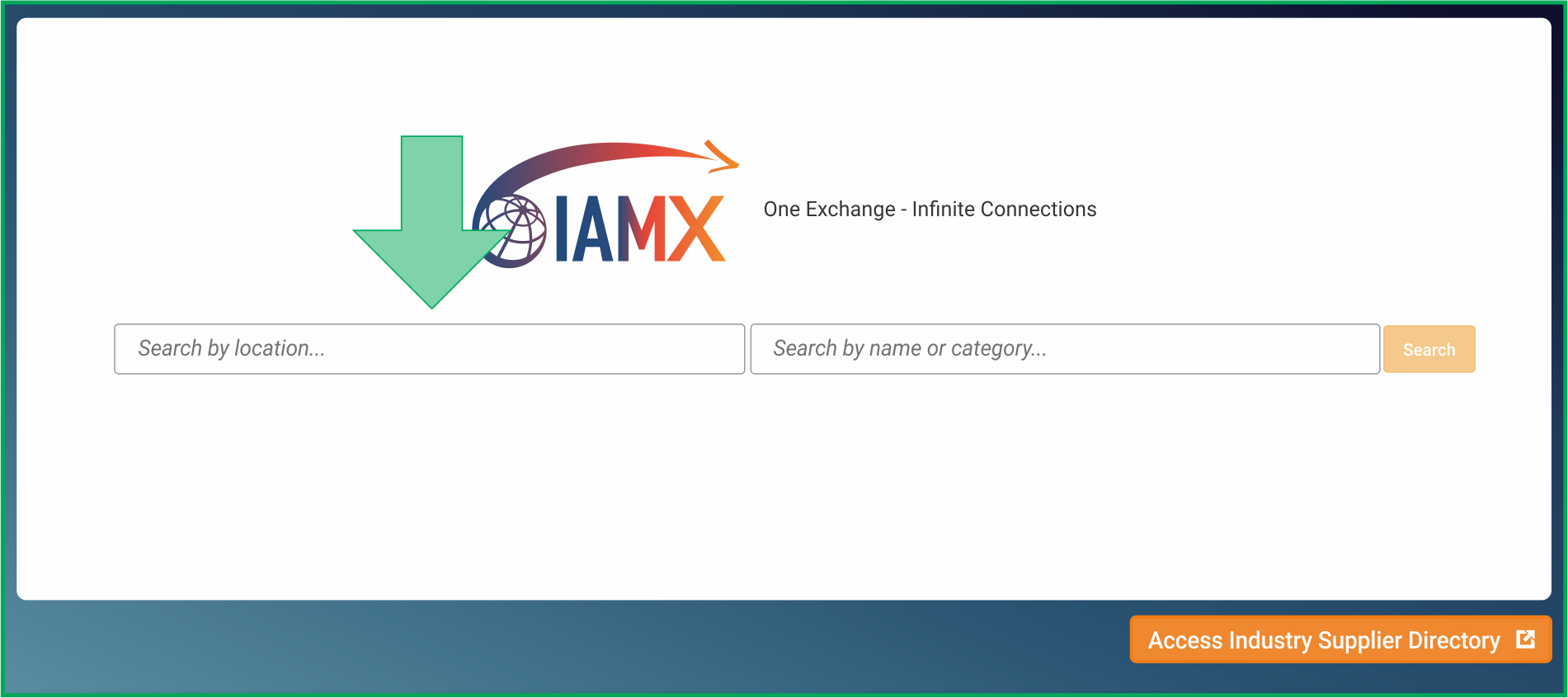
Most searches are geo location based. This means we want to locate a service partner in a particular location. IAM Mobility Exchange (IAMX) has powerful geo location search capabilities. You may search by an exact street address, City + State + Country, State, or Country. Use the "Search by location…" field on the left for geo location searches.
Examples:
- 125 Maple Street, Plano, Texas
- Plano, Texas
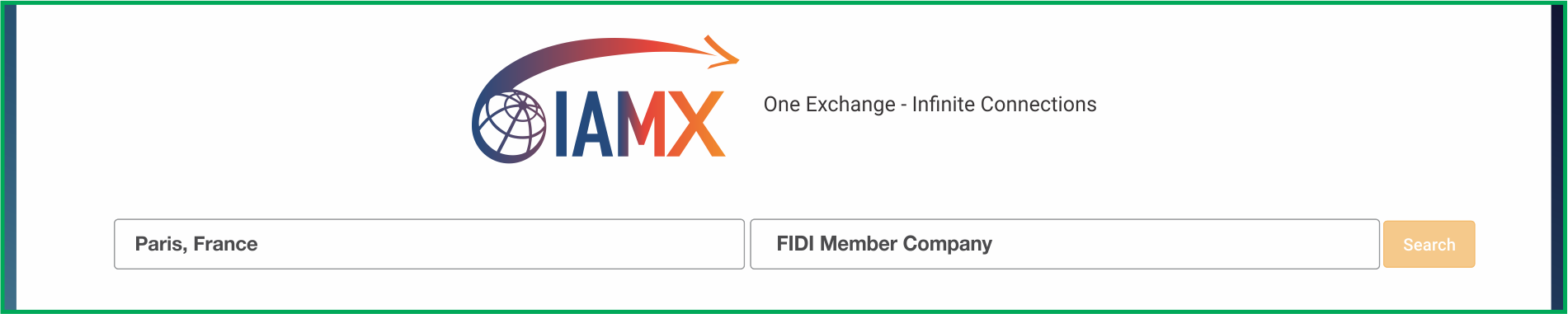
- Paris, France
- France
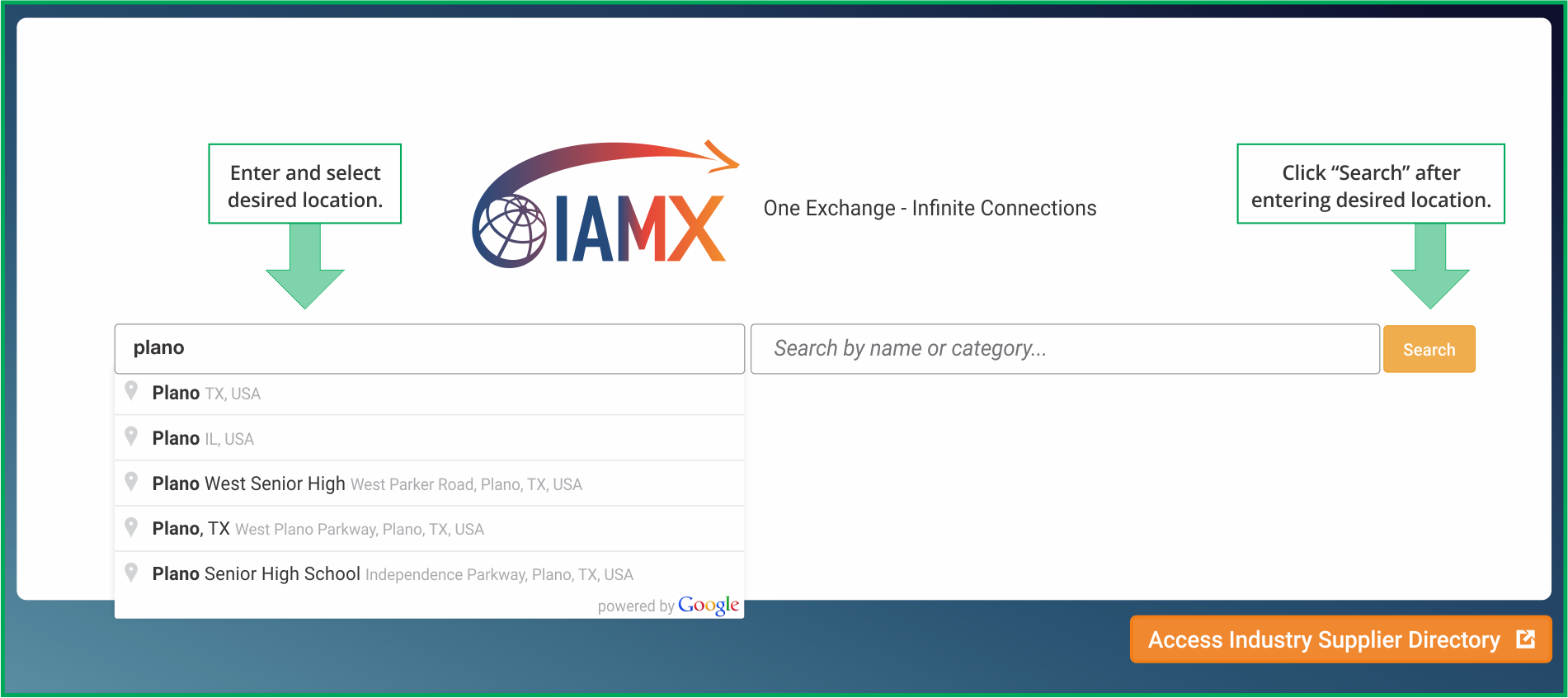
IAMX integrates with Google Maps and as you type, it will try to predict the location that you are searching for and present in the drop down under "Search by location…". It is best to keep typing until you get a match for the location that you are searching for and select that location from the drop down.
Name Search
Search by name or category…
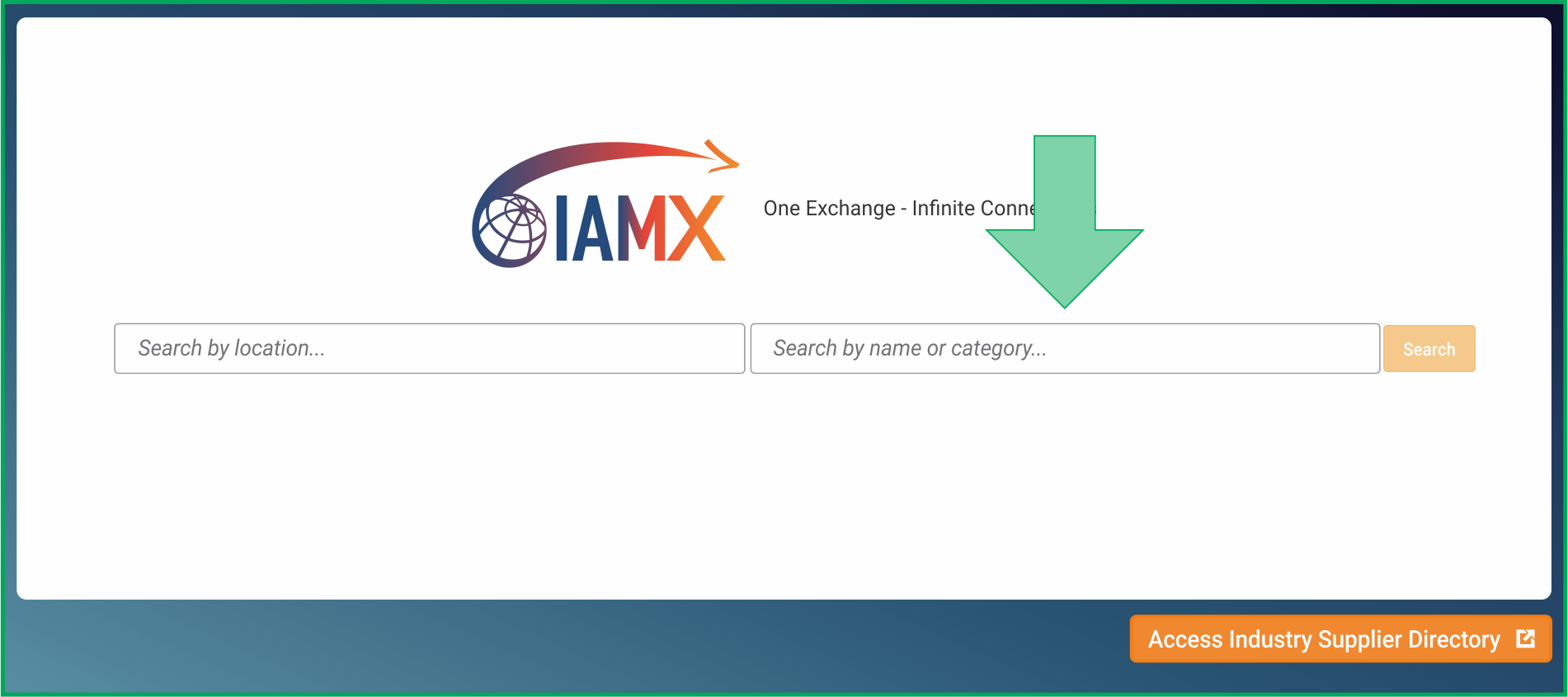
You may also search by other elements like Company Name, Staff Contact Name, Classification, and Category. This is done in the "Search by name or category…." section of the search bar on the right.
Examples:
- Company Name: AAA Moving & Storage
(Legal Names, Trade Names, and Aliases are all searched) - Staff Contact Name: James Smith
(If the contact name is in the database, it will appear in the type ahead drop down) - Capability: Area Orientation Services
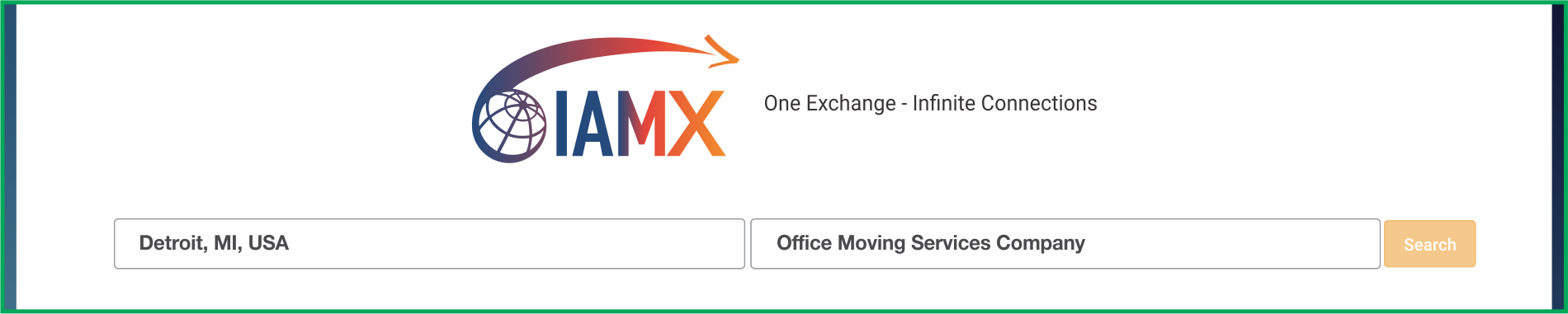
(Capabilities like Area Orientation will have a "… Services Company" after it.) - Classification: Moving Services
(Classification like Moving Services will have a "… Services Company" after it.) - Membership: FIDI
(Memberships like FIDI will have a "… Member Company") - Certifications: ISO 9000
(Quality qualifications like ISO 9000 will have a "… Certified Company" after it.) - Compliance: AEO
(Compliance qualifications like AEO will have a "… Compliant Company" after it.)
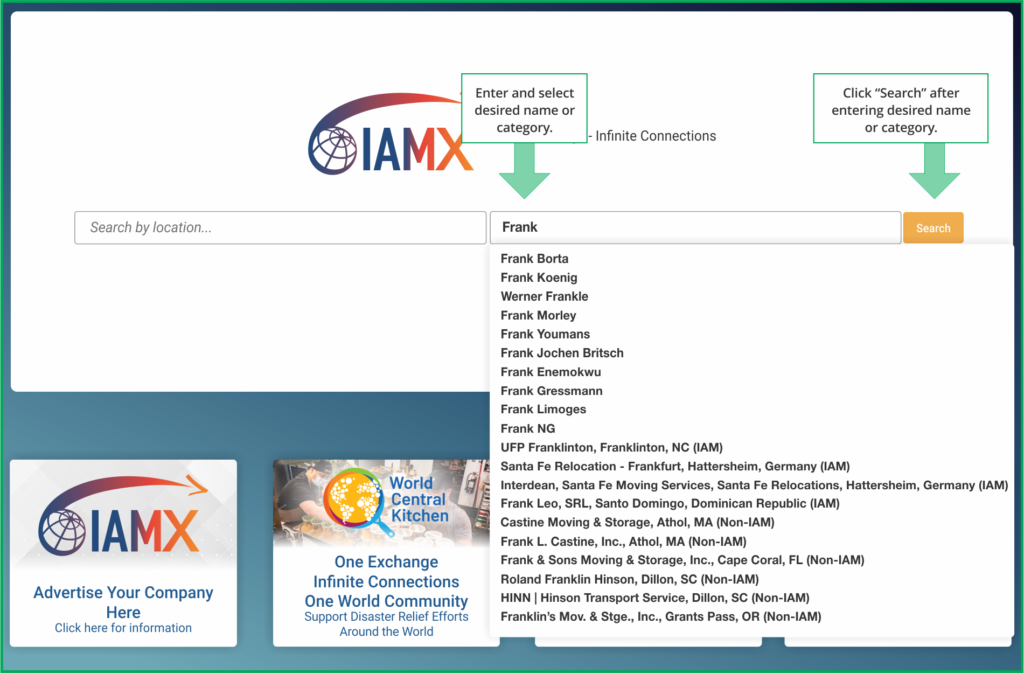
This search facility will look for any occurrence of the letters that you enter whether it starts with those letters, ends with them, or has them embedded inside the word. Keep typing until the drop down offers a more exact match for what you are looking for.
You may search in each field ("Search by name or category…" and "Search by location…") by themselves, or you can combine them.
Examples:
Industry Supplier Directory
Explore the new directory of suppliers
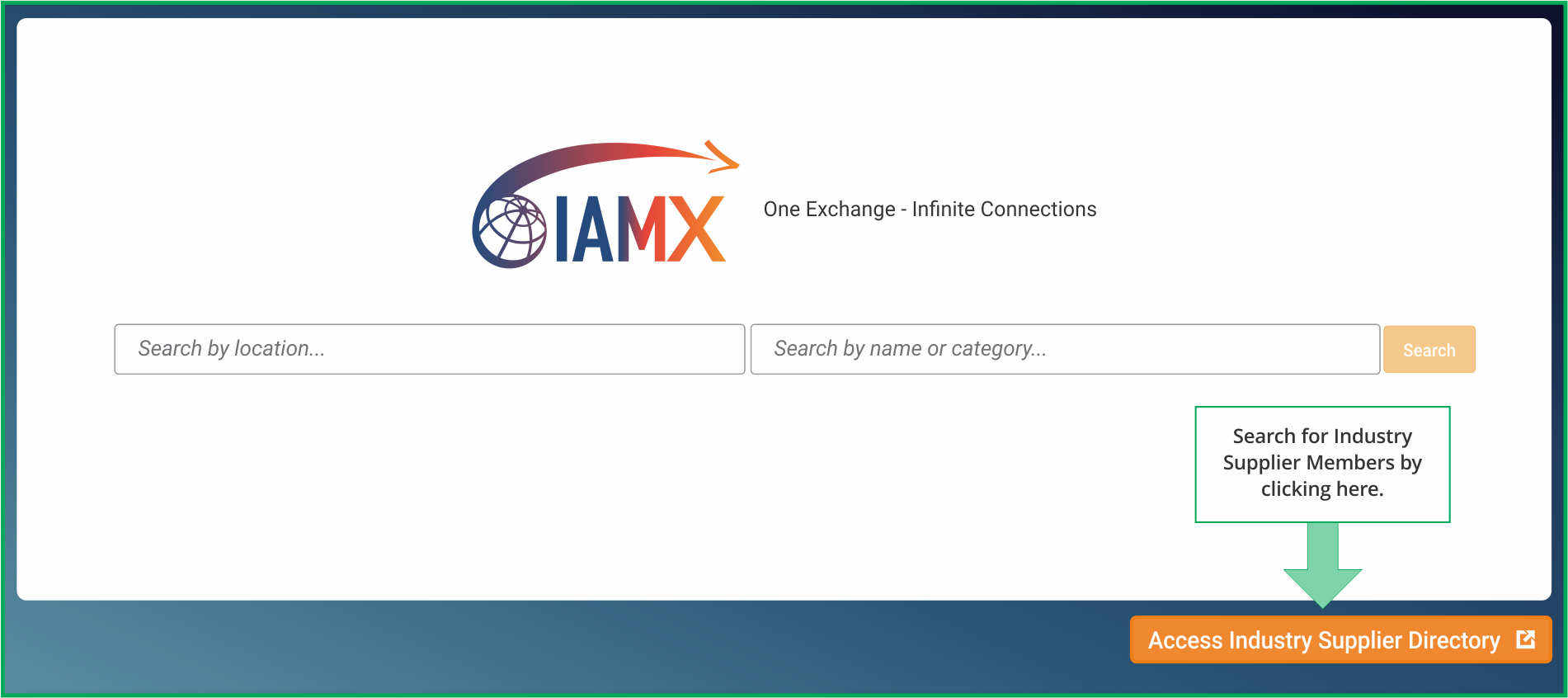
By clicking this button, you gain access to a comprehensive directory of over 110 industry supplier members affiliated with the International Association of Movers (IAM). Our IAM Industry Supplier Directory showcases a wide range of essential products and services such as Technology Companies, Packing Materials suppliers, Auto Transport, or Pet Transport specialists.
For instance, let's consider the capability called Visa & Immigration. While relocation service providers may offer Visa & Immigration as part of their service, they often engage specialists in Visa & Immigration to handle specific aspects. During a default search, only relocation companies will be found. However, if you choose to access the IAM Industry Supplier Directory, only the Visa & Immigration specialists will appear in the search results, allowing you to focus specifically on their expertise.
Search Results Page
Example: Where = Houston, Texas, USA
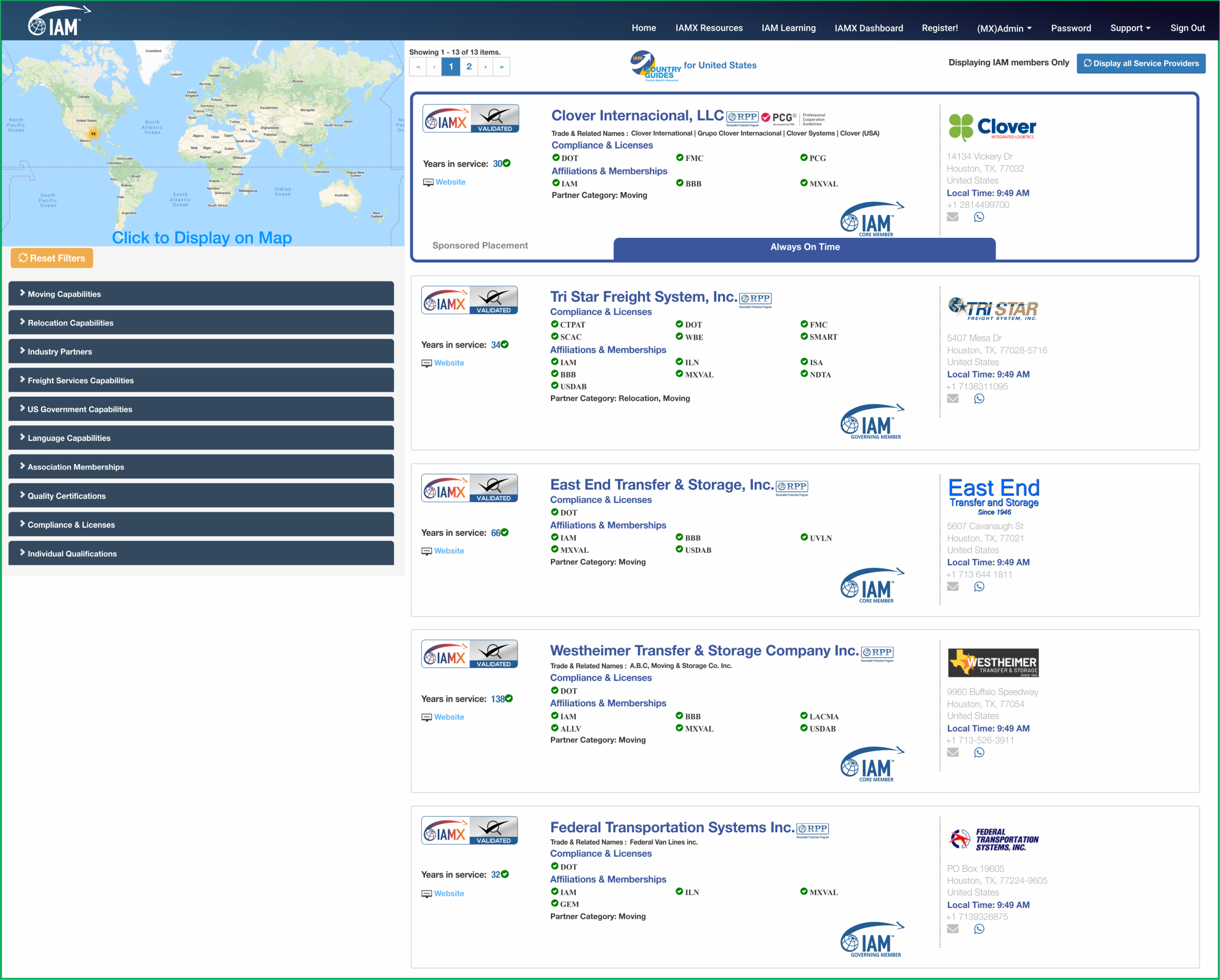
The search results will only display IAM member companies by default. In certain locations where there are no IAM member companies, or in certain categories like Furniture Repair where there are no IAM member companies, you may wish to click the "Display All Service Providers" button. Remember there are important benefits to working with IAM members like the RPP program. (Note the "RPP" logo next to company names.)
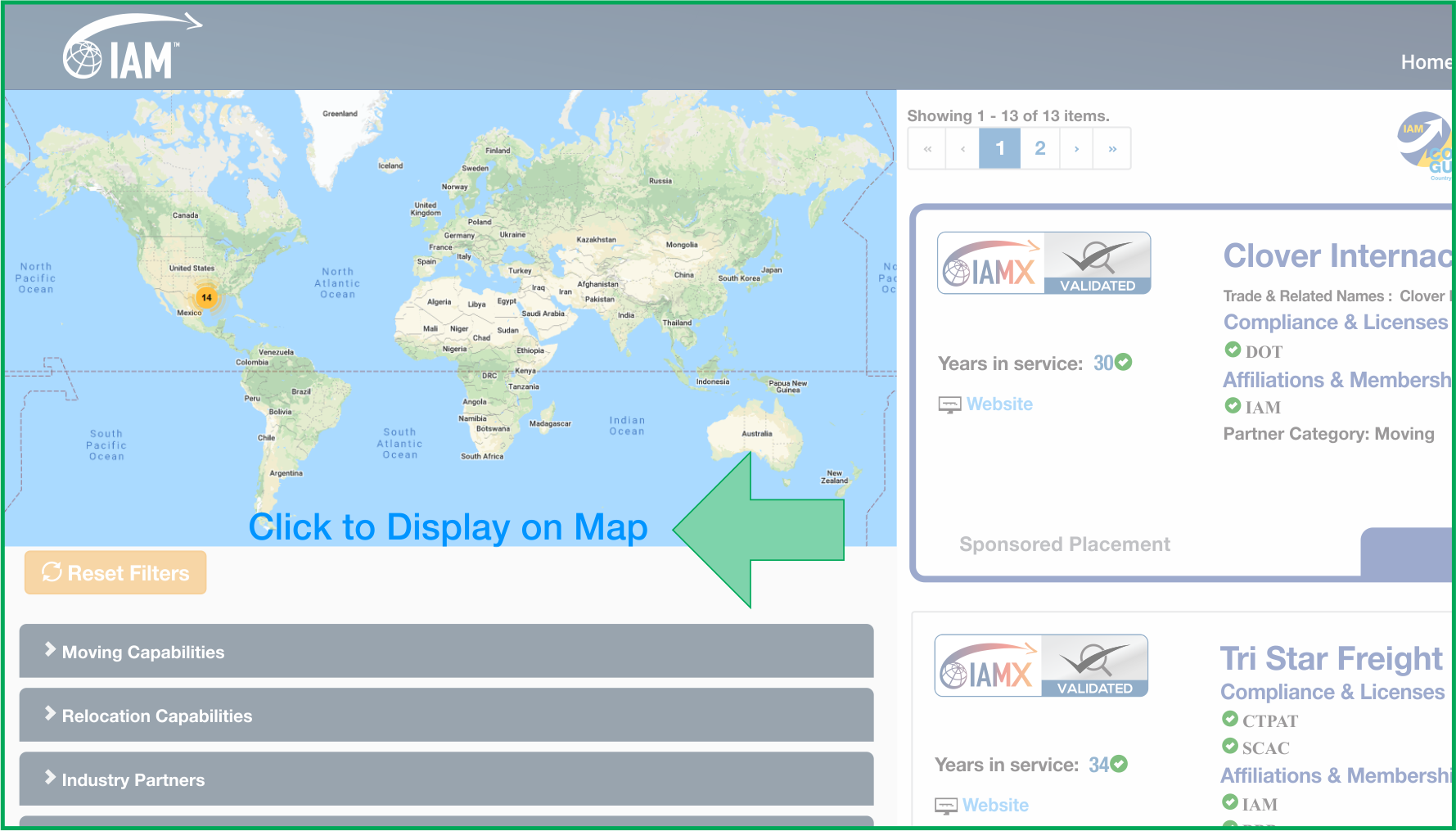
You can expand the map view by clicking "Click to Display on Map". Within the map, you can zoom in and out to see where the service providers are located.
Searches that involve a geo location are sorted by proximity to the location that you searched for. In this example, Google Maps has placed a pin in what they determine to be the center of Houston, Texas. IAMTrusted Moving Companies closest to the pin are shown first, sorted by proximity. Then, IAMX-Validated are listed in order of proximity to the center of Houston, Texas. These are then followed by non-Validated IAM Member Companies.
Note that some search results will show service providers located in nearby cities. In this example, cities other than "Houston" may show up in your search results if they are within a 50-mile radius. This ensures that all relevant IAM member companies within the range are displayed regardless of the name of the city they are located in.
Searches by Country or by State where proximity to the center of the searched location are not relevant are sorted alphabetically by company name with IAMTrusted Moving Companies appearing first, followed by IAMX-Validated Companies and then non-Validated IAM Member Companies.
Filtering
Narrow results by capability, membership, or certification
You can narrow your search results by using the Filters. Click on any capability, association membership, or certification to filter the results accordingly.
For example, to see only members of LACMA, FIDI, or Harmony, simply select the corresponding filter. To view only members with an ISO 9000 Quality Certification, expand the "Quality Certification" section and select ISO 9000. You can use as many filters as you wish to focus on the service provider with the exact qualifications you are seeking.
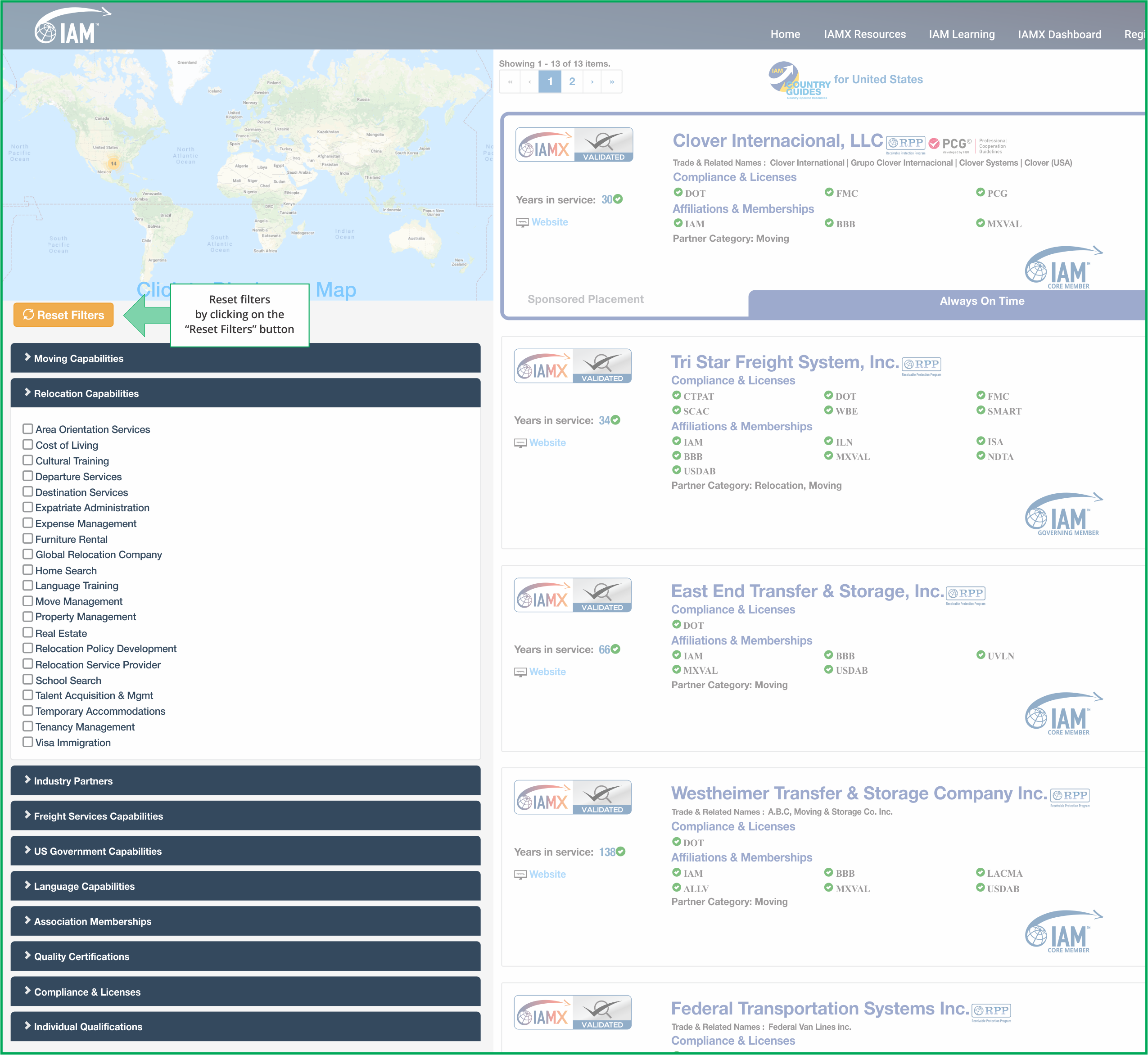
You may add as many additional filters as you wish. For example, Office Moving + IAM + ISO 9000.
Use the "Reset" button to clear all filters or uncheck individual filters as you wish.
Navigation
Top navigation bar options

Click "Search" to initiate another search. Click "IAM Learning" to access the IAM Learning portal. If your company is not listed in IAMX, click "Register" to fill out a form to register your company in IAMX. Click "Support" to report an issue or make a suggestion. Click "Sign In" to login and edit your company listing. If you don't have a password, you can apply for a password by clicking "Sign In". You can also reset your password (if you have forgotten it) by clicking Password Reset.
Thank you for using IAM Mobility Exchange. If you have any questions or suggestions, please email us at support@mobilityex.com.